
Gaussian Splats for Dummies
A Studio JDB guide to reality-capture visualisation (without the techno-mysticism)
Most clients don’t struggle to approve design because they “don’t like design.”
They struggle because they can’t see it.
Not in the abstract. Not in plan view. Not in polite little elevations.
They need to feel scale, context, and consequence.
That’s what project visualising is really for: reducing uncertainty.
And in the last couple of years, a new tool has quietly entered the room and started rearranging the furniture: Gaussian splatting.
It’s not magic. But it can feel like it when you see your site captured as a navigable, photoreal environment—without the heavy “traditional 3D model everything” burden. Let’s break it down in plain language.
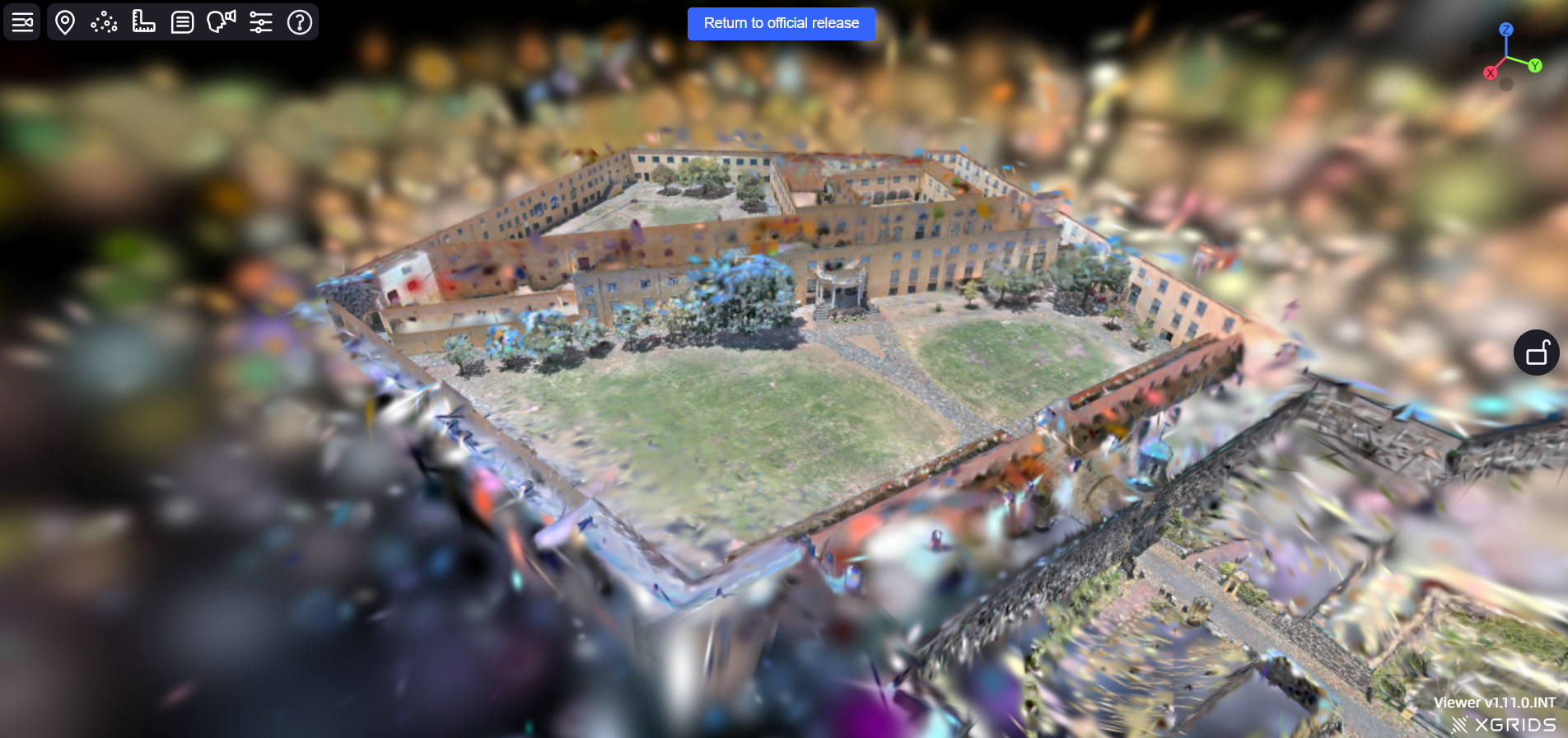
The problem: design doesn’t live in a vacuum
A design model can be perfect and still be hard to evaluate because:
the site is missing
the context feels generic
scale cues aren’t believable
the lighting doesn’t match reality
stakeholders can’t “locate themselves” in the proposal
So we spend a lot of our workflow energy on one thing: making the context trustworthy.
Studio JDB’s baseline workflow (the “good enough” stack)
We usually begin with SketchUp because it’s fast, intuitive, and supports the way designers actually think: iteratively, visually, and spatially.
From there, we can get strong results with:
sun/shadow studies (time-of-day truth)
ambient occlusion (depth readability)
material tuning (reflection + roughness cues)
simplified surrounding modelling (sense of place)
And when we can, we layer real-world context:
site photos as backplates
panoramas for quick immersion
360 HDRI environments for believable light and reflections
This is already powerful. But it still depends on a lot of “creative reconstruction.”
Reality capture changes that.
Reality capture, explained like you’re busy
Reality capture is when you measure and record the real site using photos or scanning, so you can bring it into your design workflow.
There are a few major “outputs” you’ll hear about:
Photogrammetry
Lots of overlapping photos → software reconstructs 3D geometry.
Great for objects, facades, terrain, and “scan-to-model” work.
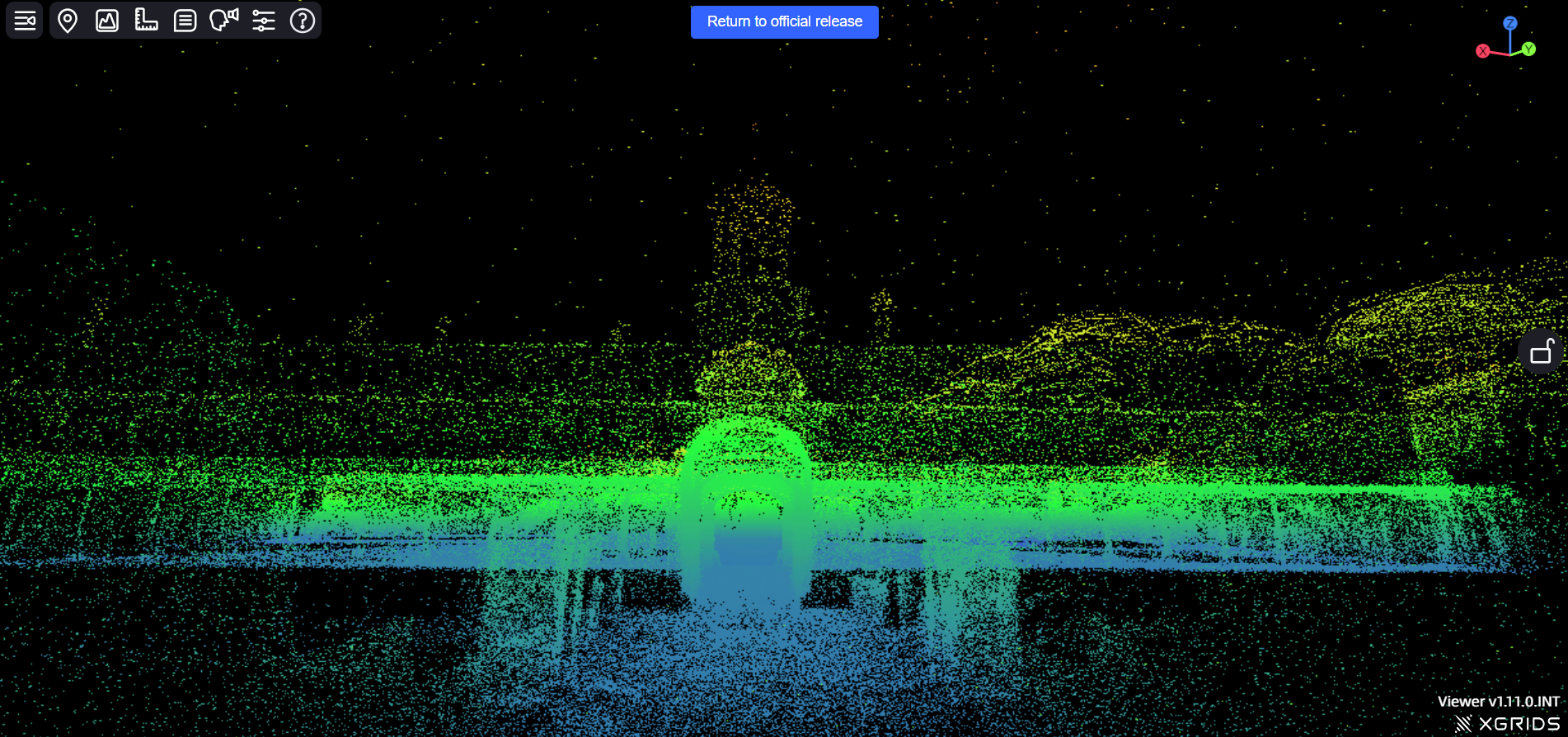
Point clouds
Millions of measured points in 3D space (often from LiDAR).
Excellent for accuracy: levels, openings, dimensions, setout.
Gaussian splats
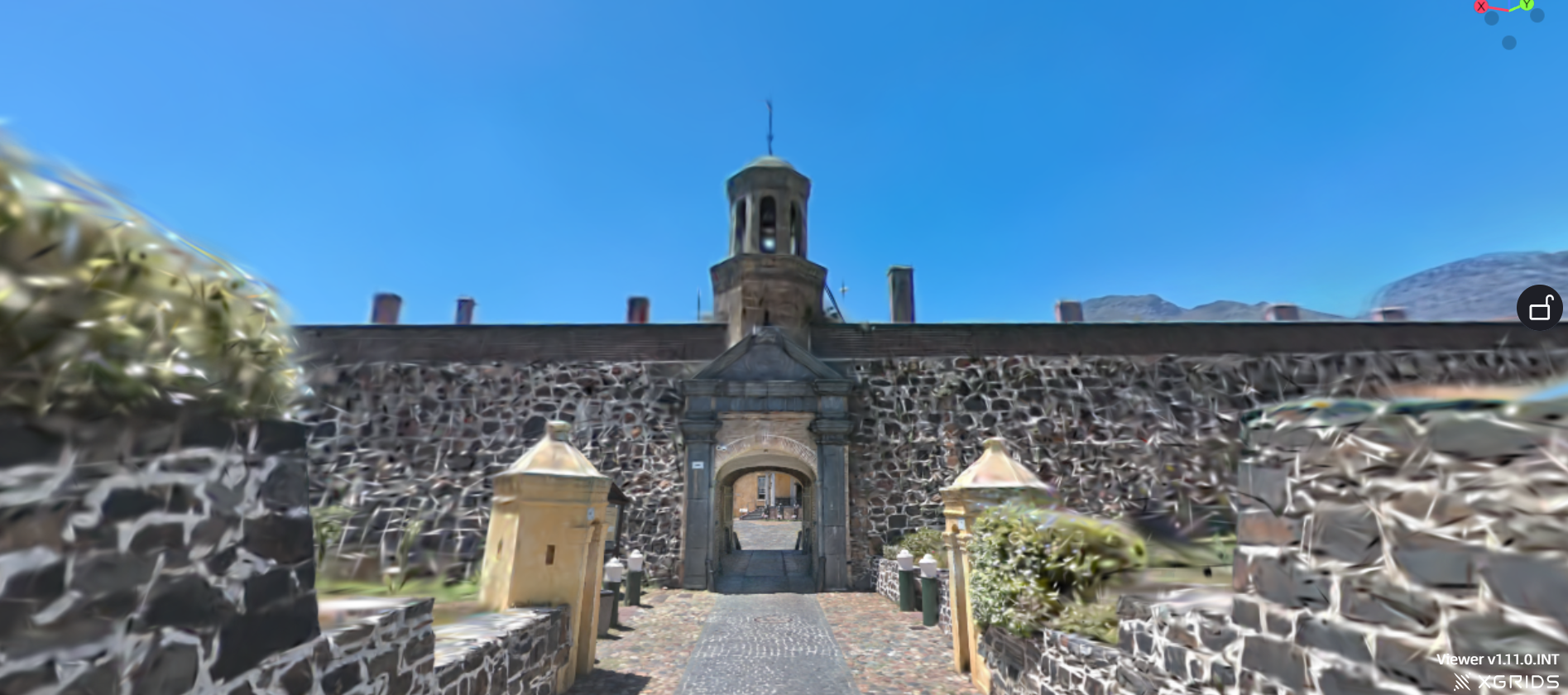
A capture-based representation that looks shockingly real when you navigate it.
Often faster to create and more visually convincing than a traditional mesh model — especially for complex, messy environments (vegetation, rubble, irregular textures, cluttered interiors).
The headline:
Point clouds help you measure.
Splats help you feel.
So what is Gaussian splatting, really?
Imagine you walked through site and sprinkled the space with tiny “smart paint droplets” that remember:
colour
brightness
softness
how they should look from different angles
A Gaussian splat scene is basically a huge collection of those droplets.
When you move through it, the system renders them in a way that feels continuous—so instead of “points,” you experience a space.
It’s not a perfect substitute for a clean 3D model.
It’s a different kind of truth: experiential truth.
Where splats shine (and where they don’t)
Splats are excellent for:
immersive walkthroughs of real environments
quick capture of complex spaces
stakeholder presentations where context matters
VR / web-based navigation experiences
keeping remote teams aligned on “what the site is actually like”
Splats are not ideal for:
crisp, editable construction geometry
clean linework outputs
situations where you need perfect CAD-level surfaces
heavy downstream editing (you don’t “model” a splat like you model geometry)
A good rule:
If the goal is designing → you still need clean 3D geometry.
If the goal is believing → splats are a cheat code.
How we use them: two “site layers” inside the workflow
When we’re staging designs into real contexts, we often combine:
1) Point cloud layer (dimensionally honest)
Used for:
setout and alignment
checking clearances and heights
verifying relationships between existing elements
giving the model an accurate “skeleton”
2) Gaussian splat layer (photoreal immersion)
Used for:
realistic walkarounds
stakeholder viewing
team immersion (especially if not everyone visited site)
making the site “present” while discussing options
Together, they cover both sides of the problem:
precision + presence
measurement + meaning
Visualising tools: choosing your output lane
Once you’ve got:
a SketchUp concept model
plus site capture (point cloud / splat / HDRI)
…you choose your output based on what decision needs to happen next.
V-Ray (when you want controlled, cinematic clarity)
strong for hero stills
strong for lighting craft
strong for refined material realism
great when the design needs to “land” emotionally
D5 Render (when you want speed + walkthrough energy)
fast iteration
real-time-ish feedback
great for stakeholder walkthroughs
ideal for “let’s test three options quickly”
Think of it like:
V-Ray = precision storytelling
D5 = momentum + interaction
Both can play beautifully with reality-captured context, depending on pipeline and presentation approach.
The real deliverable: confidence
Clients don’t buy files.
They buy certainty.
So our presentations focus on:
what’s fixed vs flexible
what the design changes in the real world
key viewpoints (human height, approach, arrival, threshold)
the context cues that make scale believable
the walkthrough moments where questions naturally appear
The job isn’t “wow.”
It’s making the right decision easier.
FAQ: Gaussian Splats (for normal humans)
1) Is Gaussian splatting the same as photogrammetry?
No. They’re related but different outputs.
Photogrammetry typically reconstructs geometry (meshes/textures).
Gaussian splats reconstruct appearance and viewpoint realism in a splat-based representation.
2) Is a splat “accurate”?
Visually, yes. Dimensionally, not always in the way a point cloud is.
Use splats for immersion and context; use point clouds for measurement.
3) Can I edit a Gaussian splat like a 3D model?
Not in the same way. You generally don’t “push/pull” a splat.
It’s best treated as a reality backdrop or navigable reference environment.
4) Do I still need SketchUp (or Revit, etc.)?
Yes. Splats are not a replacement for design modelling.
They’re a site truth layer that makes design decisions more grounded.
5) What’s the minimum gear to start?
You can start with a phone-based capture workflow, but quality varies.
If you’re doing this often, a 360 camera and/or LiDAR-capable device can improve consistency.
6) Where does a 360 camera fit in?
A 360 camera is a strong “mid-step”:
fast site context
HDRI lighting/reflections
great for backplates and environment realism
Splats are the step beyond: navigable, immersive context.
7) When is it worth paying for splats / scanning?
When any of these are true:
the site is complex or hard to model
you want fewer site revisits
stakeholders struggle to read drawings
decisions depend heavily on context (heritage, tight urban sites, interiors, renovations)
remote collaboration is a constant
8) What’s the best client-facing output?
Usually:
a short guided walkthrough (web-hosted) +
5–10 curated stills of key moments +
1 “truth shot” showing context capture alongside the design intent
The best output is the one that answers the client’s next question before they ask it.
9) What are the common pitfalls?
treating splats as “final model” rather than context layer
over-promising accuracy without a point cloud
capturing poorly (motion blur, low overlap, inconsistent lighting)
using tech to impress instead of clarify
10) What’s the simplest way to explain splats to a client?
We use reality capture when the cost of misunderstanding is higher than the cost of capturing.
Because nothing burns budget faster than decisions made in a fog.